What Is TikTok LIVE Studio and How Is It Different from OBS?
2025-03-07
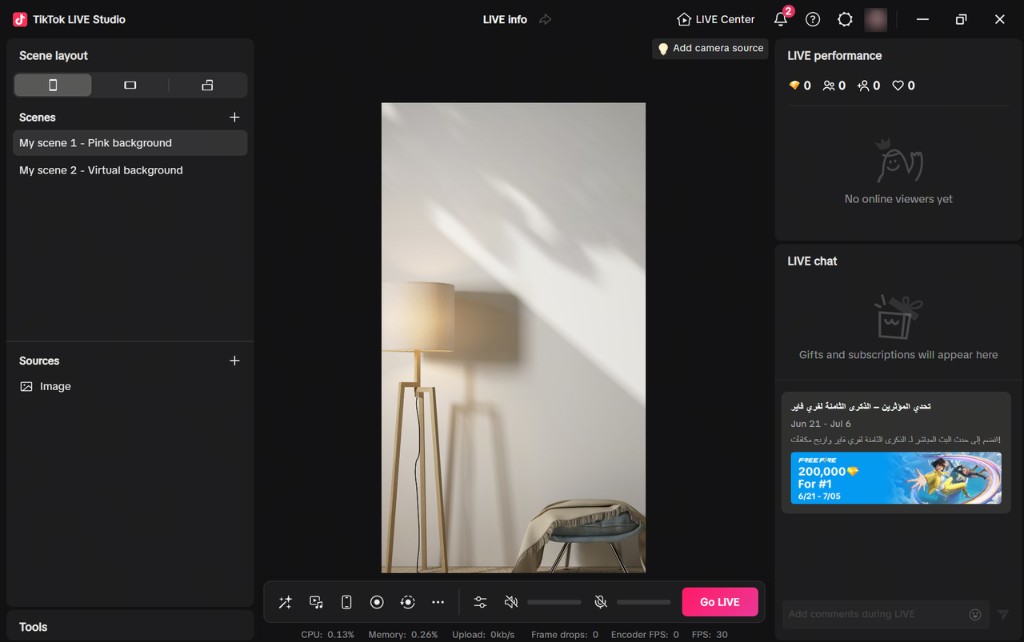
TikTok LIVE Studio is TikTok's official desktop live-streaming software. It is designed to help creators produce more professional LIVE content with better audio and visuals than basic mobile streaming, while also giving direct access to TikTok-native features such as LIVE chat, LIVE Match, and Fan Club.
If you are comparing TikTok LIVE Studio with mobile streaming and OBS, the most useful question is not which tool is universally best. The better question is which tool fits the way you plan to stream.
Why Creators Consider LIVE Studio
LIVE Studio works as a bridge between casual mobile streaming and more complex third-party desktop setups. It is available on both Windows and macOS, and it is meant for creators who want to connect cameras, lighting, and audio gear without leaving the TikTok ecosystem.
That makes it especially relevant if you are in one of these situations:
- you currently stream from your phone and want more control over quality
- you want to use desktop cameras, lighting, or dedicated audio gear
- you want TikTok-native LIVE features inside your desktop workflow
- you want a simpler entry point than a fully custom streaming setup
LIVE Studio can support a wide range of formats, including lifestyle, music, DJ, performance, gaming, and board game content.
LIVE Studio Supports More Than One Stream Style
One reason LIVE Studio stands out is that it is not limited to one creator format. It can support a wide range of LIVE content styles, which matters if you want a desktop setup that can grow with your content instead of locking you into one narrow format.
Some common examples include:
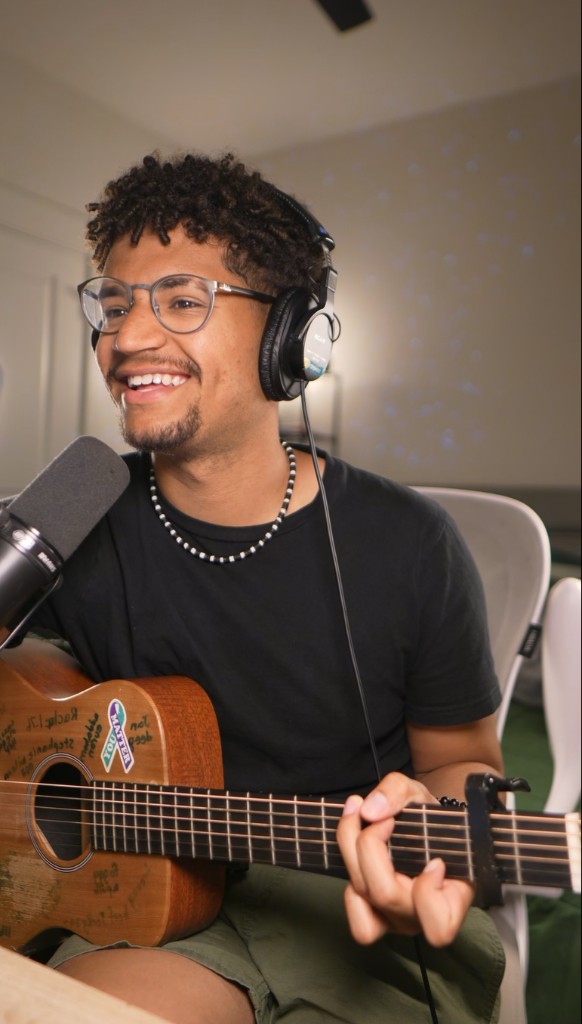
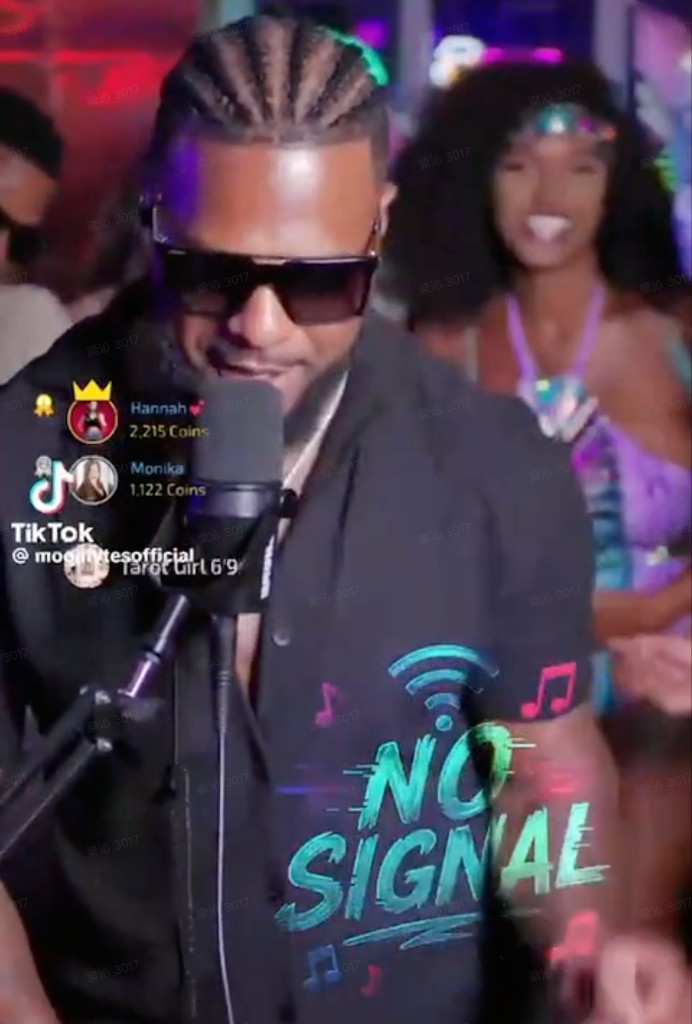
| Style | Description | |-------|-------------| | Lifestyle | Streams where the creator is mainly talking to camera | | Music | Streams that benefit from better audio input and monitoring | | DJ | Formats that need stronger visual and sound control | | Gaming | Streams that benefit from desktop capture, scene switching, and performance monitoring | | Virtual | Avatar-based content that relies on more complex visual presentation | | Board game | Tabletop formats that often need better camera positioning and layout control |
Preview examples:
- Lifestyle:

- Music:
- DJ:
- Gaming:
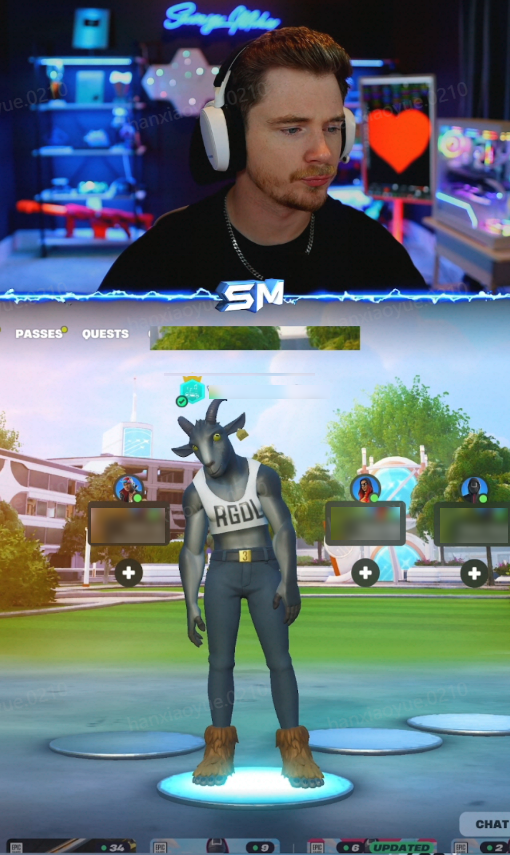
- Virtual:

- Board game:
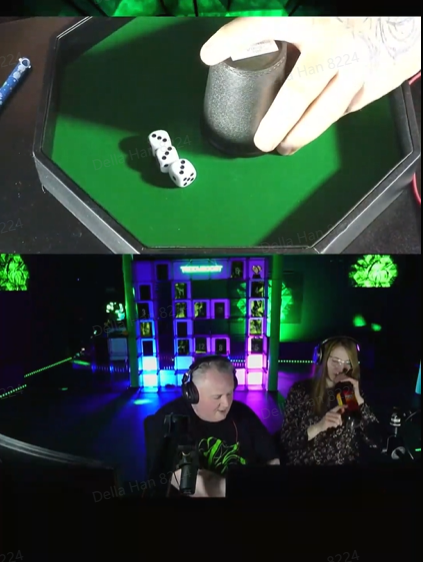
That range is important because it helps explain where LIVE Studio fits. It is not just for one type of broadcaster. It is better understood as a desktop tool for creators whose content benefits from more production flexibility than a phone-only stream can usually provide.
TikTok LIVE Studio vs Mobile Streaming
Compared with mobile streaming, LIVE Studio gives you more control over production quality, with better audio and visuals, support for desktop equipment, and more complex content formats.
In practice, LIVE Studio makes more sense when you want to:
- connect a dedicated webcam, camera, or phone camera
- add lighting and better microphones
- manage scenes and sources on a larger screen
- monitor chat and performance while you stream
- record and reuse stream moments more efficiently
Mobile streaming is still the faster option for spontaneous sessions. LIVE Studio is a better fit when the stream is more planned, uses more equipment, or needs more production structure.
TikTok LIVE Studio vs OBS
TikTok LIVE Studio and OBS both support desktop live production, but they are optimized for different priorities. Three differences matter most for new creators.
1. LIVE Studio is built by TikTok
This matters because the login, access, and product logic are native to the platform. You are not bolting TikTok onto an external broadcasting tool. You are using TikTok's own desktop product.
2. LIVE Studio is designed around TikTok features
LIVE Studio gives built-in access to TikTok-specific features such as:
- LIVE chat
- LIVE Match
- Fan Club
- co-host workflows
- platform-specific creator tools
With OBS, you can build a very flexible production setup, but TikTok-native features are not the core product focus. With LIVE Studio, they are built into the experience.
3. LIVE Studio emphasizes safety and platform fit
The FAQ explicitly says LIVE Studio offers better information and content safety for creators. For users who want an official environment rather than a highly customizable broadcasting tool, that can be a deciding factor.
A practical way to think about the difference
- Choose LIVE Studio if your main goal is to build a desktop workflow around TikTok itself.
- Choose OBS if your main goal is maximum layout flexibility and deeper customization.
For many beginners, that is the real trade-off: tighter TikTok integration versus broader production flexibility.
When LIVE Studio Is the Better Choice
LIVE Studio can be a strong fit when your priority is to start or scale TikTok streaming with an official desktop workflow.
It may be the right choice if you want:
- direct access to TikTok LIVE features on desktop
- an official workflow inside TikTok's ecosystem
- a clear path from basic setup to more advanced TikTok LIVE use cases
- less friction between desktop production and TikTok-native tools
TikTok also positions LIVE Studio as a product that can help improve LIVE visibility, increase viewership, and encourage more gifting. That does not guarantee results on its own, but it explains why the product is presented as part of creator growth.
LIVE Studio Is Also Presented as a Growth-Oriented Tool
Another important part of the product positioning is performance. LIVE Studio is not described only as a desktop broadcasting tool. It is also presented as a setup that can support stronger LIVE visibility and better creator outcomes when the stream format becomes more polished and better structured.
That is why growth-related examples matter here. They help show how TikTok frames LIVE Studio not just as production software, but as part of a broader creator development path.
Some of the most useful examples are region-specific creator cases, such as:
- US
- UK
- JP
- MENA
When OBS May Still Make More Sense
OBS may still be the better option if your main priority is maximum flexibility across multiple platforms or deeply customized broadcasting workflows.
For example, advanced users may still prefer OBS when they:
- stream to many platforms with one custom setup
- rely on specialized plugins or advanced desktop production logic
- want total control over every scene and routing decision
LIVE Studio is best understood as TikTok's official desktop option for creators who want to work directly inside TikTok's ecosystem, rather than as a universal replacement for every external streaming tool.
A Simple Decision Framework
Use this rule of thumb:
- Choose mobile streaming if speed and convenience matter most.
- Choose TikTok LIVE Studio if you want a more professional desktop setup built around TikTok.
- Choose OBS if you need the highest level of cross-platform customization.
For many new TikTok creators, LIVE Studio can be the easiest next step after mobile. It gives you more production quality without forcing you to build everything from scratch.
What to Learn Next
Once you understand where LIVE Studio fits, the next practical topics are:
- how to download and install it
- how to get access to LIVE Studio
- what computer specs and equipment you actually need
If you already know you want to try LIVE Studio, those topics matter more than tool comparison. They help you move from evaluation to actual setup.
Summary
TikTok LIVE Studio is TikTok's official desktop streaming software. Its main value is not just that it streams from a computer, but that it combines desktop production improvements with built-in TikTok LIVE features and an official platform workflow.
Compared with mobile streaming, it offers more production control. Compared with OBS, it offers tighter integration with TikTok's own LIVE ecosystem. If your main goal is to build a stronger TikTok desktop workflow without starting from a fully custom setup, LIVE Studio is a compelling place to begin.